Plug Walk AI Filter for Pets: Photo Guide
Creating compelling AI-generated videos of your pets using the Plug Walk AI Filter requires careful photo selection. This guide focuses on the specific nuances of photographing cats and dogs to maximize the filter's potential, while setting realistic expectations for the AI's interpretation. The filter generates a unique, prompt-driven car-window scene with a specific motion sequence, not a direct replication of your input video. For pets, this means translating their unique appearance and behaviors into an AI-generated animation.
Understanding the AI's Interpretation of Pets
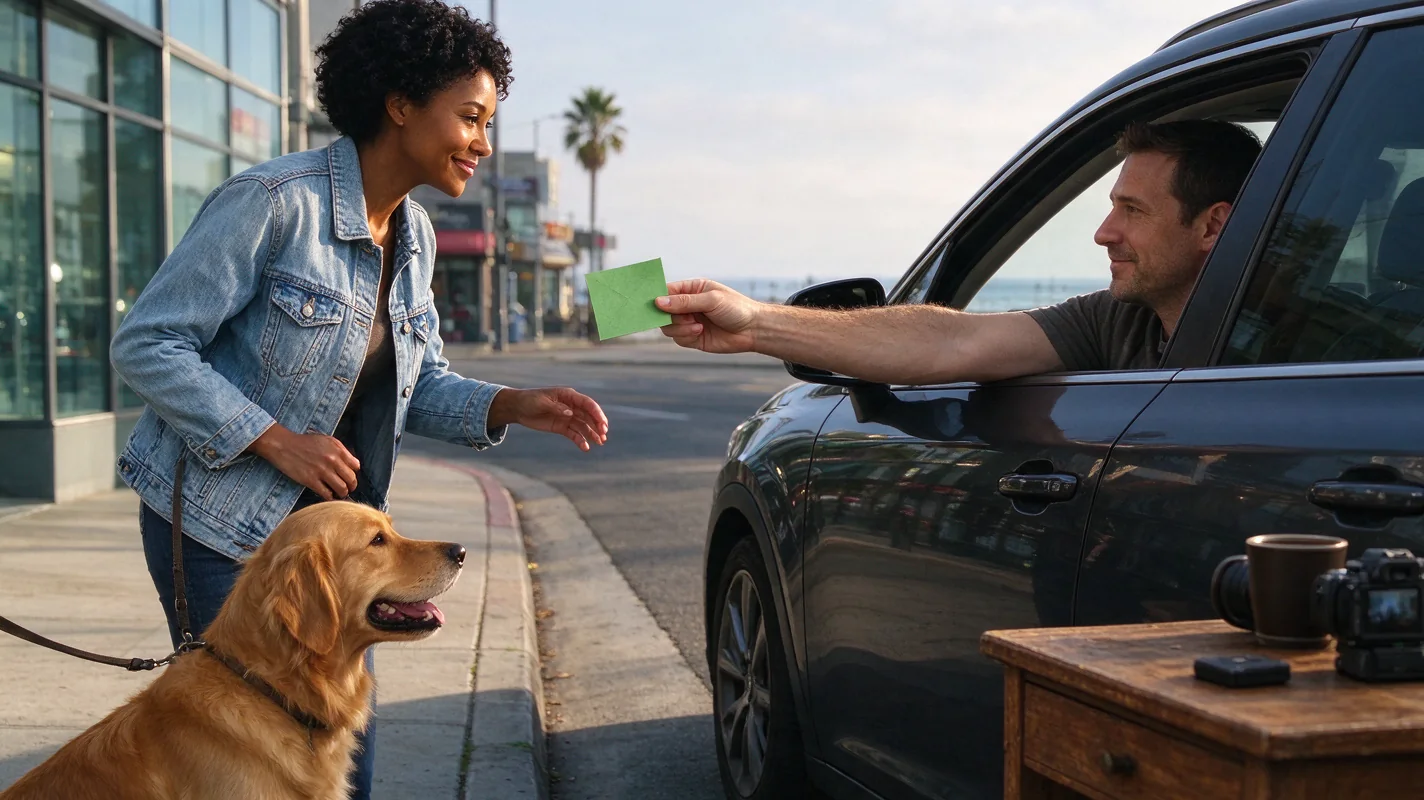
The Plug Walk AI Filter's core function is to interpret an input (photo or text) and generate a 12-second, 720p MP4 video. For pets, the AI aims to create a scene based on the provided image or description, incorporating a stationary car at sunset, viewed from the driver's window. The AI then generates a specific sequence: a friendly tip, a grin, stepping back, and a loose, bent-knee side-to-side walk. It also incorporates an original instrumental beat. Crucially, the AI does not perfectly replicate exact likeness, timing, or motion. For animals, this means the generated output will be an artistic interpretation, and you should not expect flawless upright anatomy or precise replication of your pet's specific movements. The AI prioritizes a consistent aesthetic and motion pattern over anatomical accuracy for animal subjects.
Essential Photo Checklist for Pet Inputs
To achieve the best possible results when using a photo of your pet as input, consider the following checklist. Each point addresses how the AI might interpret visual information and how to best present your pet.
- Subject Clarity and Focus: The primary subject – your pet – must be sharply in focus. Blurry images will result in a blurry AI output. Ensure the eyes, if visible and central to the shot, are clear.
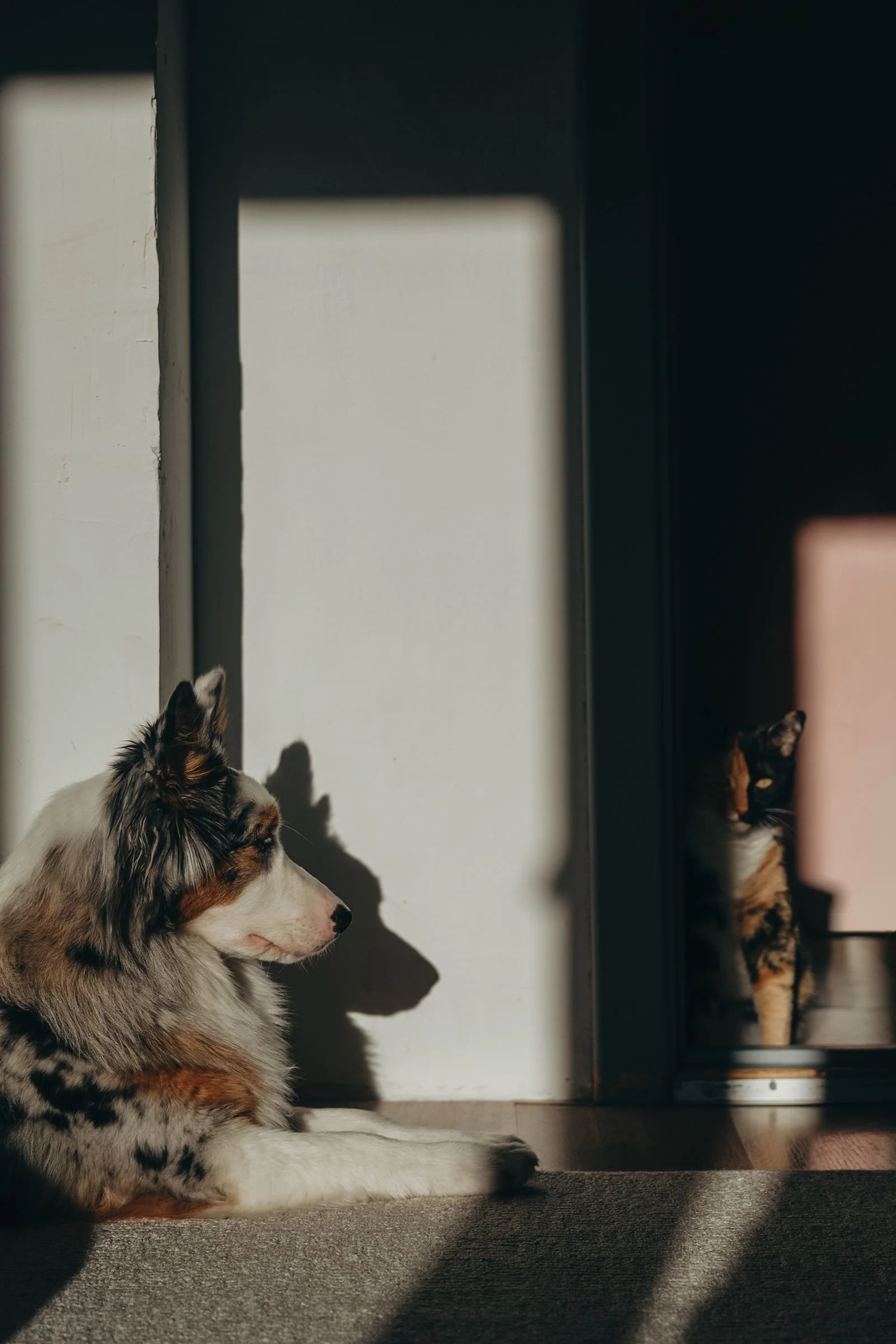
- Framing and Composition: Center your pet within the frame. Avoid excessive background clutter that might distract the AI. A medium shot, showing your pet from the chest or shoulders up, is often ideal. If you are aiming for the AI to interpret a "grin" or "tip," ensure the pet's face is clearly visible and expressive.
- Lighting: Natural daylight is best. Avoid harsh shadows that obscure details. The AI's scene is set at sunset, but a well-lit input photo helps the AI define the pet's features more accurately.
- Distinct Markings and Features: Pets with unique fur patterns, colors, or distinctive features (like a specific ear shape or tail) tend to yield more recognizable AI interpretations. The AI uses these details to inform the generated character.
- Collars and Accessories: If your pet wears a collar, ensure it is clearly visible and not obscuring their face or body. The AI may interpret the collar as part of the generated character's attire. Avoid complex or distracting accessories that might confuse the AI.
- Paws and Legs (Realistic Expectations): While the AI generates a specific walking motion, animal anatomy is complex. The AI's interpretation of paws and legs will be stylized. Do not expect photorealistic or anatomically perfect limbs. Focus on clear visibility of the pet's upper body and face for the most impactful results.
- Expression (The "Grin"): Capturing a moment that resembles a "grin" or a happy expression can be challenging with pets. Look for subtle cues like relaxed mouth posture, slightly parted lips, or bright eyes. The AI will interpret this as best it can.
- Consenting Adult or Pet: The tool requires the input to be of a consenting adult or pet. For pets, this means ensuring the photo was taken in a way that does not cause distress or harm.
- File Format and Size: The tool accepts JPG, PNG, or WebP files up to 10MB. Ensure your photo meets these specifications.
Text-Based Input for Pets
Alternatively, you can use text to describe your original subject. For pets, this could involve detailing their breed, color, specific markings, and even a desired mood or action. For example, a prompt might read: "A fluffy golden retriever with floppy ears, looking happy, wearing a blue bandana." The AI will then generate a scene based on this textual description. This can be useful if you don't have a perfect photo but have a clear idea of what you want. However, the visual specificity of a photograph often leads to more detailed AI interpretations.
Worked Example: "Whiskers" the Cat
Illustration: This is a fictional example to demonstrate the process and potential outcomes.
Input Photo Description: A medium shot of "Whiskers," a tabby cat, taken outdoors in soft daylight. Whiskers is looking directly at the camera, with a slightly open mouth that could be interpreted as a gentle "grin." His distinctive white "socks" on his front paws are clearly visible, as is his green collar with a small silver tag. The background is slightly blurred, focusing attention on Whiskers.
AI Generation Process: The user uploads this photo to the Plug Walk AI Filter tool. They select the standard Seedance 2.0 option. The AI processes the image, identifying Whiskers' tabby markings, white socks, and facial features. It interprets the slightly open mouth as a "grin." The AI then constructs the car-window scene at sunset, placing a stylized version of Whiskers in the driver's seat. The generated video shows the "tip," the "grin," the "step back," and the characteristic bent-knee side-to-side walk. The AI also generates an original instrumental beat to accompany the video.
Potential Output: The resulting 12-second MP4 video shows an AI-generated tabby cat character, resembling Whiskers in color and markings, performing the "plug walk" sequence. The white socks might be stylized, and the "grin" is an AI interpretation. The overall output is a creative animation based on the input, not a perfect replica of Whiskers' exact movements or appearance. The silver tag might be absent or simplified.
Realistic Expectations: What Not to Guarantee
It is crucial to understand the limitations of AI generation, especially with complex subjects like animals. The Plug Walk AI Filter does not guarantee:
- Exact Likeness: The AI will create a character inspired by your pet, but it will not be a photorealistic duplicate. Facial features, proportions, and specific details may be altered.
- Perfect Anatomy: Animals have intricate anatomy. The AI's generated movements, particularly the "walk," will be stylized and may not accurately reflect a pet's natural gait or limb structure. Upright posture can be particularly challenging for AI interpretation in animals.
- Precise Timing: The 12-second duration is standard, but the timing of specific actions within that duration is AI-generated and can vary.
- Viral Reach or Success: AI-generated content is not inherently viral. Success depends on many factors beyond the tool itself, including platform algorithms and audience engagement.
- Specific Paw/Foot Placement: The "step back" and "walk" sequences are generalized. The AI's rendering of paws and their interaction with the ground will be an interpretation.
Practical Checklist Summary
| Feature | Best Practice for Pets | AI Interpretation Focus | Realistic Expectation |
|---|---|---|---|
| Focus | Sharp focus on pet's face and key features. | Defines character's primary visual elements. | Clear, but not necessarily photorealistic detail. |
| Framing | Medium shot, pet centered, minimal background. | Isolates subject for AI processing. | Subject is clearly identifiable. |
| Lighting | Soft, natural daylight. | Helps AI discern colors, textures, and contours. | Well-defined features, not overly dark or washed out. |
| Markings | Distinctive fur patterns, colors, unique features. | Informs the AI's generated character's appearance. | Recognizable patterns, may be stylized. |
| Collar/Accessory | Clearly visible, not obscuring face. | May be incorporated into the generated character's attire. | May be simplified or omitted by the AI. |
| Expression | Subtle cues of happiness (e.g., relaxed mouth). | Interpreted as "grin" or other facial states. | Stylized, may not perfectly match pet's actual expression. |
| Paws/Legs | Clearly visible if possible, but not primary focus. | Part of the generated "walk" animation. | Stylized, anatomical accuracy not guaranteed. |
Comparison: Plug Walk AI Filter vs. Manual Editing
When considering AI tools like the Plug Walk AI Filter for pet content, it's useful to compare them to traditional video editing methods. Manual editing, using software like CapCut or Adobe Premiere Pro, offers complete control over every frame, allowing for precise animation, exact likeness, and perfect anatomical representation if you have the skills and time. However, this process is labor-intensive and requires significant technical expertise. The Plug Walk AI Filter offers a vastly different approach: speed and creative interpretation. It democratizes video creation by allowing users with minimal editing skills to generate unique animated clips quickly. The trade-off is the loss of granular control and the inherent variability of AI output. For a quick, stylized, and trend-focused video, the AI filter is efficient. For a highly polished, custom animation that perfectly captures your pet's likeness and movements, manual editing remains the superior, albeit more demanding, option. See "plug-walk-ai-filter-vs-capcut" for a more detailed comparison.
Frequently Asked Questions
Q1: Can the Plug Walk AI Filter make my dog look like it's actually dancing?
A: The filter generates a specific "plug walk" motion sequence (tip, grin, step back, walk). It interprets your pet's image to create a character performing this sequence. It does not replicate specific dance moves or guarantee realistic animal locomotion. The output is a stylized AI interpretation.
Q2: Will the AI understand my cat's unique markings?
A: The AI will attempt to incorporate visible and distinct markings from your input photo into the generated character. However, the interpretation is subject to the AI's algorithms and may result in a stylized representation rather than an exact copy. Clear, high-contrast markings tend to be interpreted best. See "best-photo-for-plug-walk-filter".
Q3: What happens if the AI output for my pet looks completely wrong?
A: AI generation involves variability. If a task fails or the output is unsatisfactory, the credits are returned to your account. There are no cash refunds. The tool aims for creative interpretation; therefore, "wrong" is subjective, but failed generations result in credit restoration. You can try again with a different photo or text prompt.
Q4: Can I use a photo of my pet wearing a costume?
A: You can, provided the costume doesn't obscure your pet's face or key features. The AI will attempt to incorporate elements of the costume into the generated character. However, overly complex or abstract costumes might lead to less recognizable results. The primary focus should remain on clearly depicting your pet.
Share Your Pet's AI Adventure
Ready to see your furry friend in a unique AI-generated scene? Upload your best pet photo and let the Plug Walk AI Filter work its magic. Remember, the results are creative interpretations, so embrace the fun and unique outcomes!
Try the tool from this guide
One photo or text idea. The default 720p, 12-second video costs 30 purchased credits. Failed tasks return credits.
Make your Plug Walk AI video
The car-window scene is already prepared. Add only the details that matter to you.
This video: 30 credits · 720p · 12 seconds
Choose one photo or enter at least 10 characters, then confirm permission to continue.
Paid generation only. See the exact credits before you start.
Plug Walk AI Filter
Plug Walk AI Filter editorial team · Editorial guidance based on the current product settings.