Selecting the Optimal Photo for Your Plug Walk AI Filter Creation
The Plug Walk AI Filter transforms a single input image into a dynamic, prompt-driven video. To achieve the most compelling and accurate results, the selection of your initial photograph is paramount. This guide will walk you through the critical elements of choosing and preparing a photo that maximizes the AI's ability to generate a high-quality output, focusing on clarity, composition, and essential details.
Understanding the AI's Input Requirements
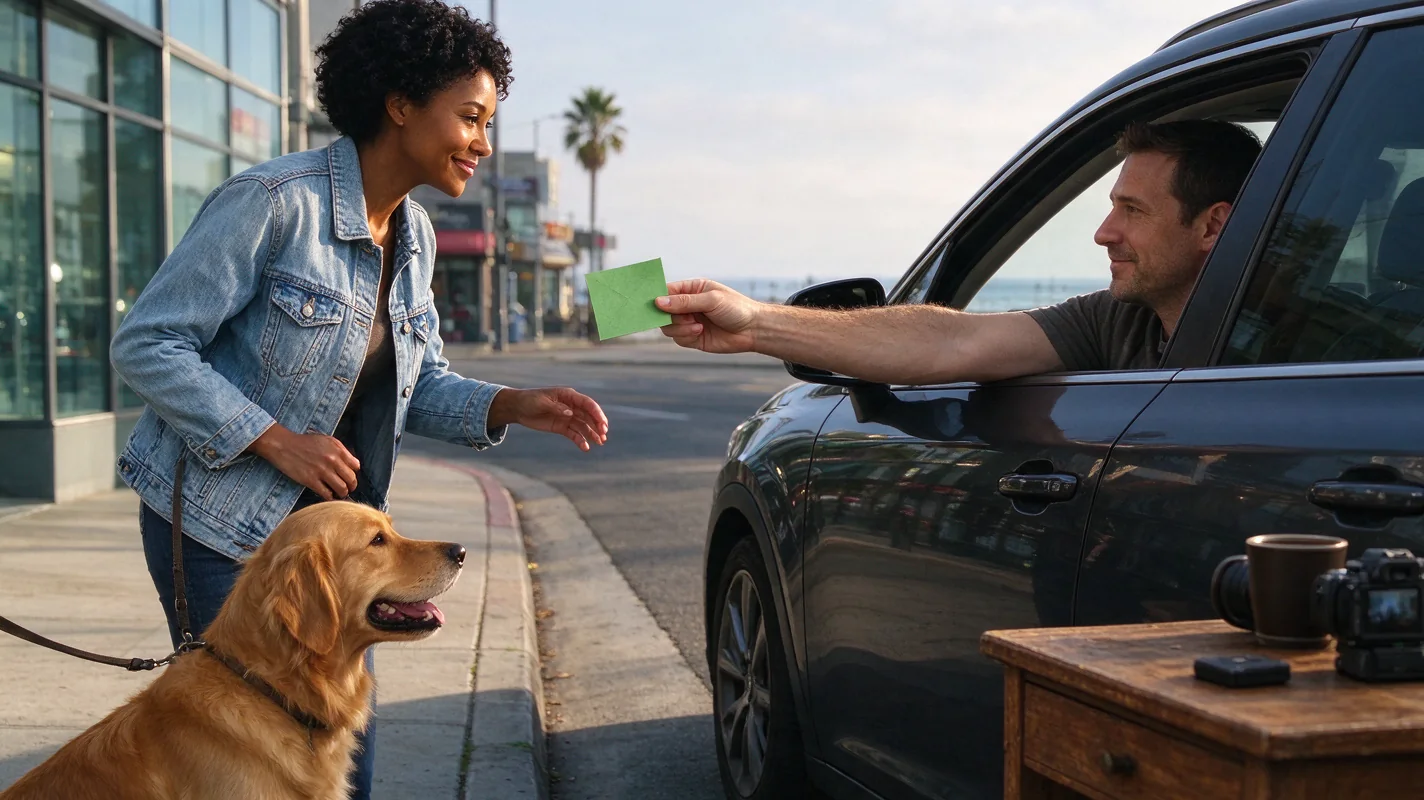
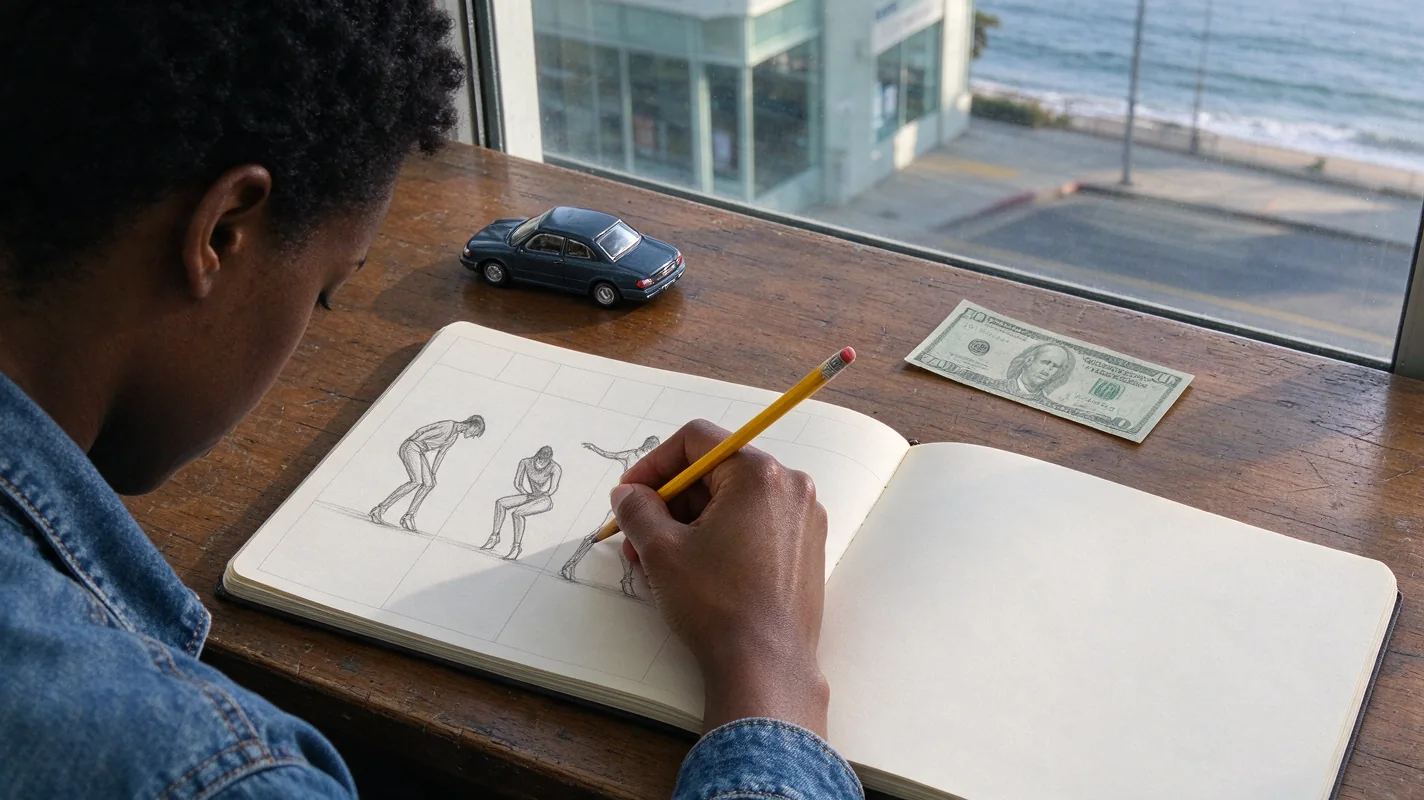
The Plug Walk AI Filter accepts a single photo in JPG, PNG, or WebP format, with a maximum file size of 10MB. You can also provide text describing an original subject. The AI utilizes this input to generate a unique car-window scene featuring a stationary car at sunset, viewed from the driver's-window perspective. The AI's core function is to animate a subject within this scene, performing a specific walk cycle: a friendly dollar tip, a grin, stepping back, and a loose, bent-knee side-to-side walk. It's crucial to understand that the AI does not replicate exact reference-video motion; instead, it generates a new prompt-driven scene based on your input and the predefined parameters.
The Importance of Subject Clarity and Focus
The AI needs a clear, well-defined subject to work with. Blurry, pixelated, or out-of-focus images will lead to degraded results. Ensure the primary subject – whether a person or a pet – is sharply in focus. The AI attempts to interpret facial features, expressions, and body language from your photo. If these elements are indistinct, the AI's interpretation will be less precise, potentially resulting in an output that doesn't accurately reflect your intended subject.
Framing and Composition: What the AI Sees
When selecting your photo, consider how it will be framed within the AI's generated scene. The AI's standard output is a 9:16 aspect ratio MP4 video. While the AI generates a new scene, the framing of your input photo provides the foundational visual information. A photo that is too tightly cropped, especially around the face or hands, can limit the AI's ability to extrapolate details. For instance, if a photo only shows a face and shoulders, the AI has no visual data for the lower body, which is crucial for the "walk" animation. Similarly, if hands are not clearly visible or are obscured, the AI may struggle to render them convincingly, particularly for actions like offering a tip.
Lighting Conditions for Optimal AI Interpretation
Good lighting is essential for any AI image processing. For the Plug Walk AI Filter, aim for well-lit photos that clearly define the subject's features and form. Overly dark or blown-out images can obscure details. The AI's generated scene is set at sunset, which often involves warm, soft lighting. While the AI will adapt your subject to this lighting, a photo with balanced illumination will provide a better starting point. Avoid harsh shadows that obscure the face or body, as these can be misinterpreted by the AI.
Outfit and Appearance: Providing Visual Cues
Your choice of clothing and overall appearance in the photo provides the AI with vital information about the subject's style and presence. While the AI generates a new scene, the input photo dictates the subject's attire. If you want the AI to generate a video where the subject is wearing a specific outfit, ensure that outfit is clearly visible and well-represented in the input photo. Consider outfits that have some definition and form, as these will translate better into the animated output. Avoid overly busy patterns that might confuse the AI or monochromatic outfits that lack definition in certain lighting conditions.
The Crucial Element of Consent
When using photos of people, explicit consent is not just recommended; it's ethically imperative. The Plug Walk AI Filter is designed for personal creative use, and using someone's image without their permission is a violation of privacy and potentially illegal. Ensure that any individual featured in your input photo has given their full and informed consent for their image to be used in this manner. This includes understanding that their likeness will be animated and potentially shared (if you opt for public sharing).
Avoiding Sunglasses and Obscured Features
Sunglasses can be a significant impediment to the AI's performance. They obscure the eyes, which are a critical component of facial expression and recognition. The AI attempts to capture a "grin" as part of the animation, and clear visibility of the eyes and surrounding facial area is necessary for this to be rendered effectively. Similarly, any other elements that significantly obscure the face, such as hats pulled low or hands held in front of the face, should be avoided. The goal is to present the subject as clearly as possible.
Worked Example: Photo Selection for a Pet
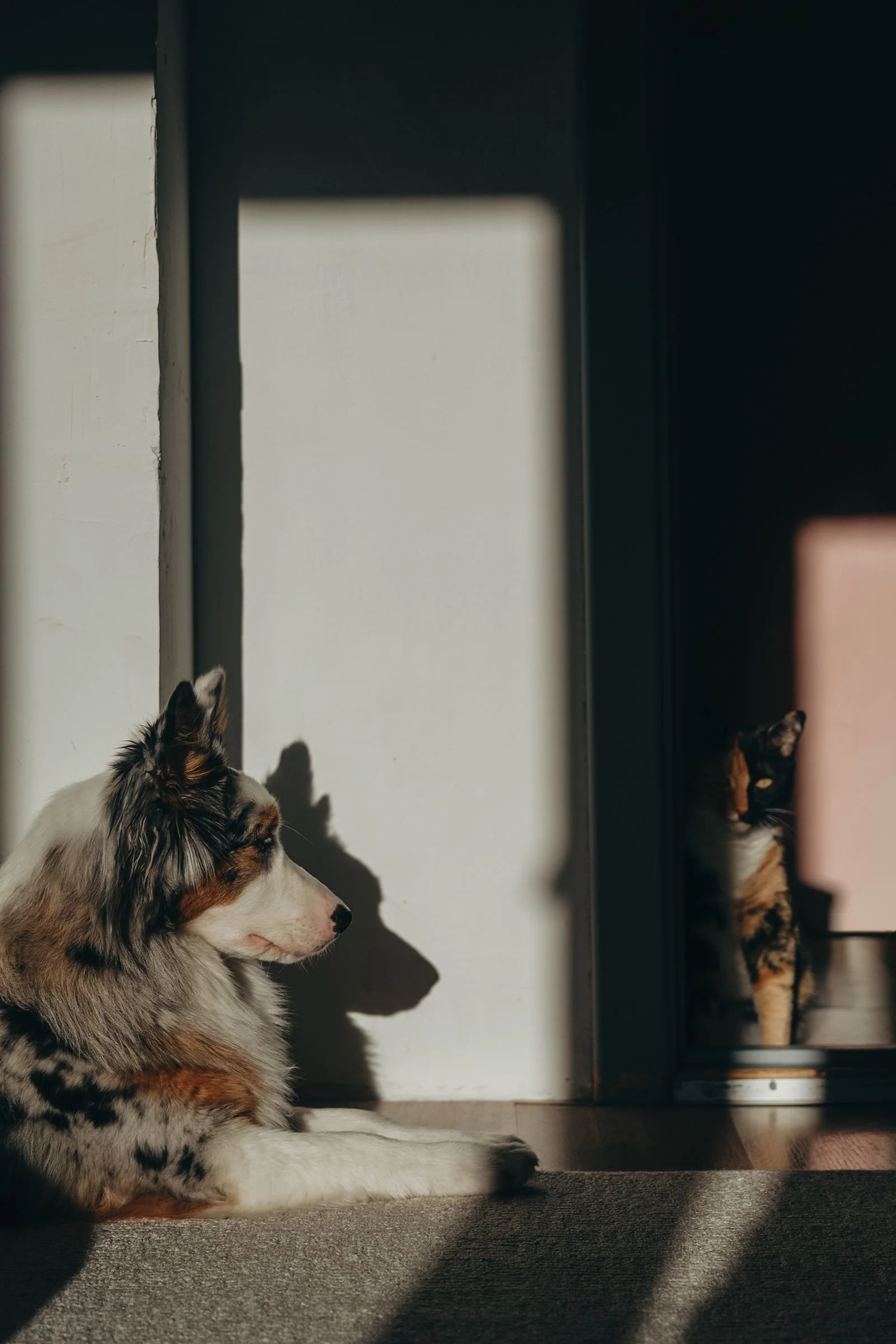
Illustration: Optimal Photo for "Plug Walk AI Filter Cat Dog"
Let's consider creating a Plug Walk AI video for a pet, specifically a cat. The goal is to have the cat perform the characteristic walk. A good input photo would feature the cat in full view, standing or in a natural pose, with its entire body visible. The lighting should be soft and even, perhaps from a window during the day, ensuring the cat's fur texture and features are clear. The background should be uncluttered to avoid distracting the AI. The cat's face should be clearly visible, with its eyes open and alert. If the cat is looking towards the camera with a slight head tilt, this can add character. The photo should not be a close-up of just the cat's face, nor should it be a shot where the cat is partially hidden behind furniture. A full-body shot, taken at eye level with the cat, provides the most comprehensive data for the AI to animate the "walk" sequence.
Practical Checklist for Photo Selection
| Feature | Ideal | Avoid |
|---|---|---|
| Subject Clarity | Sharp focus, high resolution | Blurry, pixelated, out-of-focus |
| Framing | Full body visible (for walk), clear face/hands | Extreme close-ups, cropped limbs/face, obscured key features |
| Lighting | Even, well-lit, no harsh shadows | Dark, overexposed, strong backlighting, deep shadows obscuring details |
| Outfit/Appearance | Clear, defined clothing/features | Busy patterns that confuse AI, monochromatic in poor light, obscured |
| Facial Features | Eyes, mouth clearly visible | Sunglasses, masks, hands covering face, extreme angles |
| Consent | Explicit, informed consent obtained (if human) | Using images without permission |
| Background | Simple, uncluttered | Busy, distracting, or overly complex backgrounds |
Comparison: Cropped Photo vs. Full View
A tightly cropped photo, for example, just showing a person's head and shoulders, provides the AI with limited information about the lower body. While the AI can generate a scene, its ability to animate a convincing "walk" will be severely hampered because it lacks the visual data for legs and feet. The AI might attempt to create a walking motion based on subtle upper body shifts, but the result will likely be less dynamic and convincing than if the full body were visible. Similarly, a photo where hands are not visible or are hidden will make it difficult for the AI to render the "dollar tip" gesture accurately. The AI needs to see the context of the limbs to animate them appropriately within the generated scene.
Frequently Asked Questions (FAQs)
Q1: Can I use a photo with my pet and myself?
A1: The Plug Walk AI Filter is designed to animate a primary subject. While you can include multiple subjects in a photo, the AI will likely focus on the most prominent or centrally located figure for animation. For best results, especially when aiming for the "walk" animation, it's recommended to use a photo where the intended subject is clearly the focus.
Q2: What if my photo is good, but the AI output isn't what I expected?
A2: AI generation involves variability. Factors like the specific details in your photo, the AI's interpretation algorithms, and the prompt-driven nature of the scene can lead to unexpected results. If the output isn't satisfactory, try a different photo, perhaps one with clearer features, better lighting, or a different pose. Remember, the AI does not guarantee exact likeness or timing. Failed tasks typically return credits, as detailed in the service terms.
Q3: Does the AI consider the background of my photo?
A3: The AI uses your input photo primarily for subject information. The background of your photo is generally not replicated in the generated car-window scene. The AI creates a new, prompt-driven environment (stationary car at sunset, driver's-window POV). However, a cluttered or distracting background in your input photo might, in rare cases, subtly influence the AI's interpretation of the subject's form or color.
Q4: How important is the "grin" aspect in the photo?
A4: While the AI is programmed to include a "grin" in the animation, the input photo doesn't need to show an explicit grin. The AI will attempt to animate this expression based on the facial data it can discern. A clear, neutral, or pleasant expression is sufficient. The AI's generative capabilities will add the intended grin to the output video.
Ready to Create Your Plug Walk AI Video?
Selecting the right photo is the first and most crucial step in generating a high-quality Plug Walk AI Filter video. By focusing on clarity, proper framing, good lighting, and ensuring all necessary features are visible, you significantly increase your chances of achieving a result that delights you. Take the time to choose your input wisely, and then bring your vision to life.
For more detailed guidance on crafting your prompts and understanding the nuances of the filter, explore these related guides:
Try the tool from this guide
One photo or text idea. The default 720p, 12-second video costs 30 purchased credits. Failed tasks return credits.
Make your Plug Walk AI video
The car-window scene is already prepared. Add only the details that matter to you.
This video: 30 credits · 720p · 12 seconds
Choose one photo or enter at least 10 characters, then confirm permission to continue.
Paid generation only. See the exact credits before you start.
Plug Walk AI Filter
Plug Walk AI Filter editorial team · Editorial guidance based on the current product settings.