Crafting Your Plug Walk AI Filter Prompt: Planning the Cash and the Dance
The Plug Walk AI Filter offers a unique way to generate short, stylized videos from a single input. At its core, the process involves translating a static image or descriptive text into a dynamic, AI-driven animation. Understanding the specific constraints and desired output is crucial for crafting effective prompts that yield compelling results. This guide focuses on the art of prompt engineering for the Plug Walk AI Filter, specifically exploring how to guide the AI in creating engaging car-window scenes featuring the signature "plug walk" motion and a "cash" element, all while adhering to the system's limitations.
Understanding the Core Mechanics and Constraints
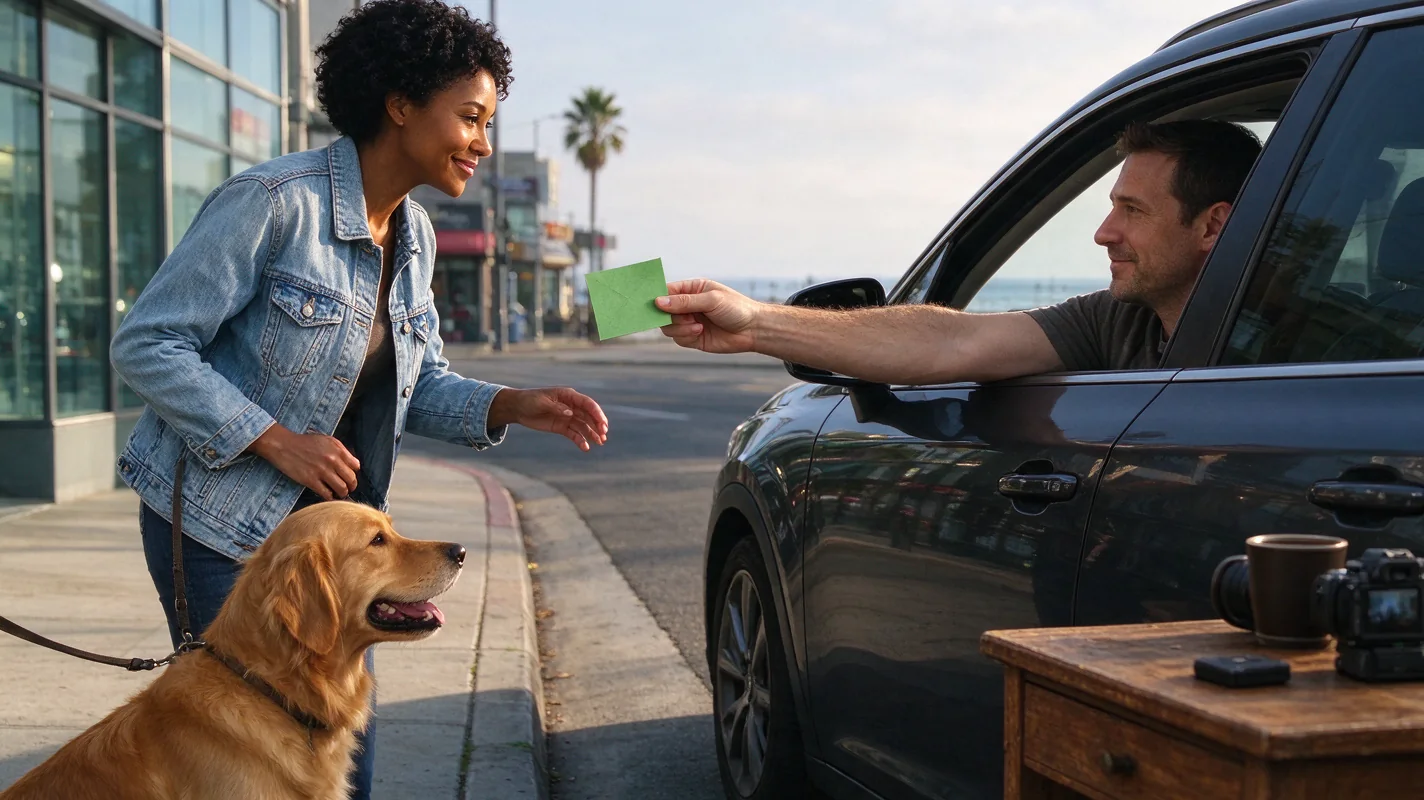
The Plug Walk AI Filter operates with a defined set of parameters. The standard Seedance 2.0 model is utilized, meaning advanced or experimental versions are not available. Each generation produces a default 12-second, 9:16 aspect ratio, 720p MP4 video. This output is not a direct copy of reference video motion but rather a prompt-driven creation. The scene is consistently a driver's-window point-of-view from a stationary car, with specific actions like a "one dollar friendly tip," a "grin," a "step back," and a "loose bent-knee side-to-side walk" being core to the visual narrative. An original instrumental beat is requested, as licensed commercial music is not integrated. The AI's ability to replicate exact likeness, timing, or guarantee viral success is not guaranteed; results will vary. Privacy is paramount: inputs are private, and outputs are private by default, with an option for public sharing subject to editorial selection. Failed tasks are credited back, not refunded. Understanding these constraints is the first step to effective prompting.
The Visual Sequence: From Input to Output
The generation process follows a predictable yet flexible sequence. You begin by providing an input, which can be a single photo (JPG, PNG, WebP, with a maximum size of 10MB) of a consenting adult or pet, or a text description of an original subject. This input is then interpreted by the AI, which uses your prompt to construct a scene. The core elements of the scene are the stationary car, the driver's-window POV, and the specific actions: offering a tip (typically represented by a dollar bill), a facial expression (a grin), a preparatory movement (stepping back), and the characteristic "plug walk." The AI then generates an original instrumental beat to accompany the visual. The final output is a 12-second MP4 file. It is important to remember that the AI generates a new scene based on your prompt, rather than precisely animating your input photo or video. This means the generated motion and facial expressions are AI interpretations, not direct reproductions.
Prompting Strategies: Guiding the AI
Effective prompting is about providing clear, concise instructions that leverage the AI's capabilities while respecting its limitations. The "cash" element is often represented by a dollar bill, and the "dance" refers to the specific "plug walk" motion. Your prompt should aim to guide the AI in creating a visually interesting scenario around these core actions. Consider the environment, the mood, and any subtle variations you might want to introduce. The AI generates a new prompt-driven car-window scene, so think about how to describe the elements that will influence this scene.
Worked Example: Sunset Serenade
This illustration demonstrates how to construct a prompt for a sunset scene, focusing on clarity and descriptive detail. Remember, this is an AI-generated scene and not a direct animation of the input image.
Input: A high-quality photograph of a person with a friendly demeanor, taken during daylight hours, suitable for a car-window perspective. Alternatively, a text description could be used.
Prompt: "Driver's-window POV from a stationary car at a vibrant sunset. The sky is ablaze with orange and purple hues. A person offers a single dollar bill with a subtle, friendly grin. They then step back slightly, initiating a loose, bent-knee side-to-side walk. The mood is relaxed and confident. Original instrumental hip-hop beat requested."
Expected Output: A 12-second MP4 video showing a car's interior perspective. The background outside the driver's window is a vivid sunset. A figure is visible, extending a dollar bill with a smiling expression. They then perform the characteristic "plug walk" with a relaxed gait. The video is accompanied by an original instrumental hip-hop track.
Illustration Note: This prompt guides the AI to create a specific atmosphere (vibrant sunset, relaxed and confident mood) and action sequence. The "one dollar friendly tip" and "grin" are explicitly mentioned, as is the "loose bent-knee side-to-side walk." The request for an "original instrumental hip-hop beat" ensures the audio component aligns with the desired aesthetic.
Original Prompt Examples
Here are three original prompts designed for different atmospheric conditions, focusing on unique visual storytelling within the Plug Walk AI Filter's framework:
-
Dusk's Gentle Glow: "Driver's-window POV from a stationary car as dusk settles. Soft twilight colors paint the sky. A hand extends a crisp dollar bill with a gentle, knowing smile. A slight step back precedes a fluid, bent-knee side-to-side "plug walk" on pavement that's beginning to reflect the fading light. The vibe is cool and understated. Original lo-fi instrumental beat requested."
- Focus: This prompt emphasizes a softer, more understated mood suitable for dusk, using descriptive terms like "soft twilight colors," "gentle, knowing smile," and "fluid" walk. The pavement's reflection adds a subtle visual interest.
-
Rainy Pavement Groove: "Driver's-window POV from a stationary car on a wet street at night, illuminated by streetlights. Raindrops streak the window. A person offers a dollar bill with a confident, closed-mouth grin. They step back, launching into a rhythmic, bent-knee side-to-side "plug walk" on the glistening, rain-slicked pavement. The atmosphere is urban and moody. Original R&B instrumental beat requested."
- Focus: This prompt creates a more dramatic, urban atmosphere. "Wet street at night," "raindrops streak the window," and "glistening, rain-slicked pavement" all contribute to a distinct visual. The "rhythmic" walk suggests a slightly different cadence.
-
Golden Hour Departure: "Driver's-window POV from a stationary car during the golden hour. Warm, diffused sunlight bathes the scene. A hand presents a dollar bill with a genuine, warm smile. A deliberate step back initiates a relaxed, natural "plug walk" with bent knees, appearing almost effortless. The feeling is optimistic and free. Original upbeat indie instrumental beat requested."
- Focus: This prompt aims for a feeling of optimism and ease, using "golden hour," "warm, diffused sunlight," and "genuine, warm smile." The description of the walk as "natural" and "effortless" encourages a less stylized, more organic movement.
Practical Checklist for Prompting
To ensure you're maximizing your chances of a successful and visually appealing generation, use this checklist:
| Feature | Consideration | Status (Check) | Notes |
|---|---|---|---|
| Input Type | Photo (JPG/PNG/WebP <=10MB) or Text Description | Ensure photo quality and subject matter are appropriate. | |
| Scene Setting | Specify time of day/weather (e.g., sunset, dusk, rainy) | Affects lighting and mood. | |
| Core Actions | "One dollar friendly tip," "grin," "step back," "loose bent-knee side-to-side walk" | These are fundamental to the "plug walk" aesthetic. | |
| Facial Expression | Describe the desired "grin" (e.g., subtle, friendly, confident) | AI interpretation of emotion. | |
| Motion Description | Elaborate on the walk (e.g., fluid, rhythmic, natural) | Guides the AI's animation style. | |
| Atmosphere/Mood | Keywords like "relaxed," "cool," "urban," "optimistic" | Influences overall video feel. | |
| Audio Request | Specify "original instrumental beat" and genre (e.g., hip-hop, lo-fi, R&B) | Avoids licensed music, aligns with mood. | |
| AI Limitations | Acknowledge variability in likeness, timing, and success | Manage expectations. | |
| Output Format | 12-sec, 9:16, 720p MP4 | Standard output parameters. | |
| Privacy Settings | Default private, opt-in for sharing | Understand data handling. |
Comparison and Diagnostics: Why Your Prompt Might Not Work as Expected
Several factors can influence the outcome of your Plug Walk AI Filter generation. If your results aren't meeting expectations, consider these common issues:
- Vague Prompts: Prompts that are too general (e.g., "make me walk") lack the specificity the AI needs. The AI requires details about the environment, actions, and mood to create a compelling scene. Ensure you include the core elements: car window POV, tip, grin, step back, and the walk.
- Input Image Quality: If using a photo, a low-resolution, poorly lit, or overly complex image can be difficult for the AI to interpret effectively. Ensure the subject is clear and well-defined.
- Conflicting Instructions: Avoid prompts that contradict the established parameters. For instance, requesting a 30-second video or a specific licensed song will not work.
- Unrealistic Expectations: The AI generates a new scene based on your prompt; it does not perfectly replicate your input photo or motion. If you expect an exact likeness or precise timing, you may be disappointed. Focus on guiding the style and scene rather than demanding photographic accuracy.
- Overly Complex Scenes: While descriptive prompts are good, excessively complex scene descriptions with too many disparate elements might confuse the AI. Stick to variations of the core car-window scenario.
- Incorrect Credit Usage: Ensure you have sufficient credits. Remember, only paid output is generated; there are no free trials or watermarked previews. Failed tasks return credits, but purchase is required for generation.
Frequently Asked Questions
Q1: Can I use a picture of my pet for the Plug Walk AI Filter? A1: Yes, the Plug Walk AI Filter accepts photos of consenting adults or pets. When prompting for a pet, you would describe the pet's actions and expressions within the car-window scene context, such as a pet offering a toy or giving a happy bark-like "grin."
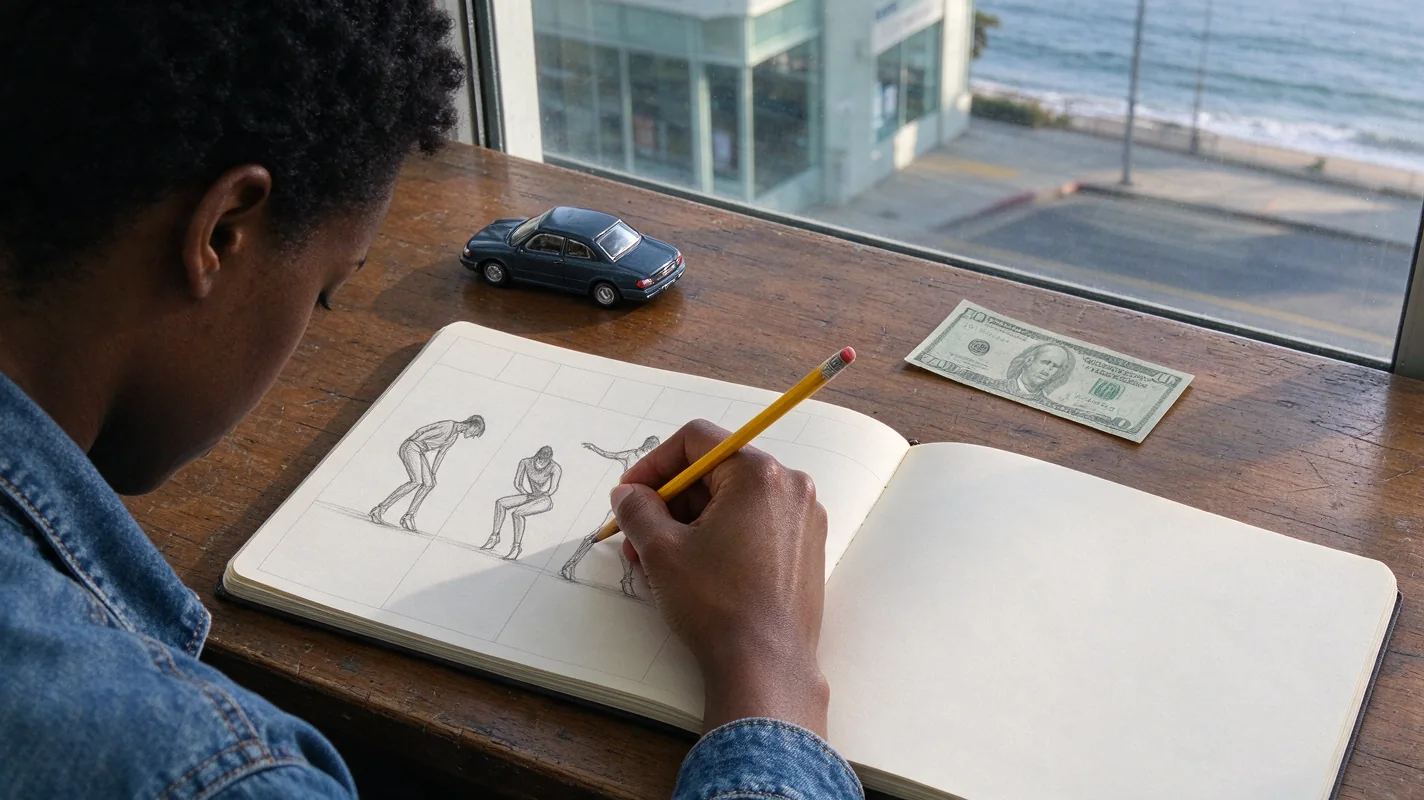
Q2: How does the "one dollar friendly tip" element work visually? A2: The AI interprets the "one dollar friendly tip" as a gesture, typically a hand extending a dollar bill. The prompt can influence the specific presentation, but the core action is the offering of currency as part of the scene.
Q3: Is the "plug walk" motion standardized, or can I describe variations? A3: The core is a "loose bent-knee side-to-side walk." While you can add descriptive modifiers like "fluid," "rhythmic," or "natural," the fundamental gait remains consistent with the tool's design. The AI generates its interpretation based on these cues.
Q4: What happens if the AI fails to generate the video after I've paid? A4: If a task fails, the credits used for that generation are returned to your account. The system does not offer automatic cash refunds for failed tasks; instead, you retain the credits for a future attempt or a different generation.
Your Next Step: Create Your Unique Scene
Ready to bring your vision to life? Dive into the creative process and experiment with different prompts to generate unique car-window scenes. Remember to plan your cash and dance elements, consider the environment, and leverage the AI's capabilities while working within its parameters.
Related Guides
Try the tool from this guide
One photo or text idea. The default 720p, 12-second video costs 30 purchased credits. Failed tasks return credits.
Make your Plug Walk AI video
The car-window scene is already prepared. Add only the details that matter to you.
This video: 30 credits · 720p · 12 seconds
Choose one photo or enter at least 10 characters, then confirm permission to continue.
Paid generation only. See the exact credits before you start.
Plug Walk AI Filter
Plug Walk AI Filter editorial team · Editorial guidance based on the current product settings.