Plug Walk AI Filter Privacy: Your Uploads Explained
Before you upload a photo or provide text to the Plug Walk AI Filter, it's crucial to understand the privacy implications and permission requirements. This guide will walk you through the essential considerations to ensure you are using the tool responsibly and ethically. The core principle revolves around the source of your input: it must be either your own photo or a photo of a pet you own, or a photo of an adult who has explicitly consented to its use for this purpose. Using images of others without their informed consent, or images of individuals who are not adults, is strictly prohibited and violates the terms of service.
Understanding Input Privacy and Processing
When you upload a photo or provide descriptive text to the Plug Walk AI Filter, your input is processed by the service providers. While the platform emphasizes that inputs are private by default, this privacy applies to the general public's access. It's important to recognize that the AI generation process itself requires the input data to be accessible to the systems performing the generation. This is a standard operational necessity for AI tools. Access to your input is managed through your signed-in account; it is not shared via public links or made accessible to other users of the service. The platform does not claim to have specific, extended data retention periods beyond what is necessary for the immediate processing and generation of your video. Similarly, no security certifications are advertised, so users should proceed with an understanding of standard data handling practices for online services.
Consent: The Cornerstone of Responsible Use
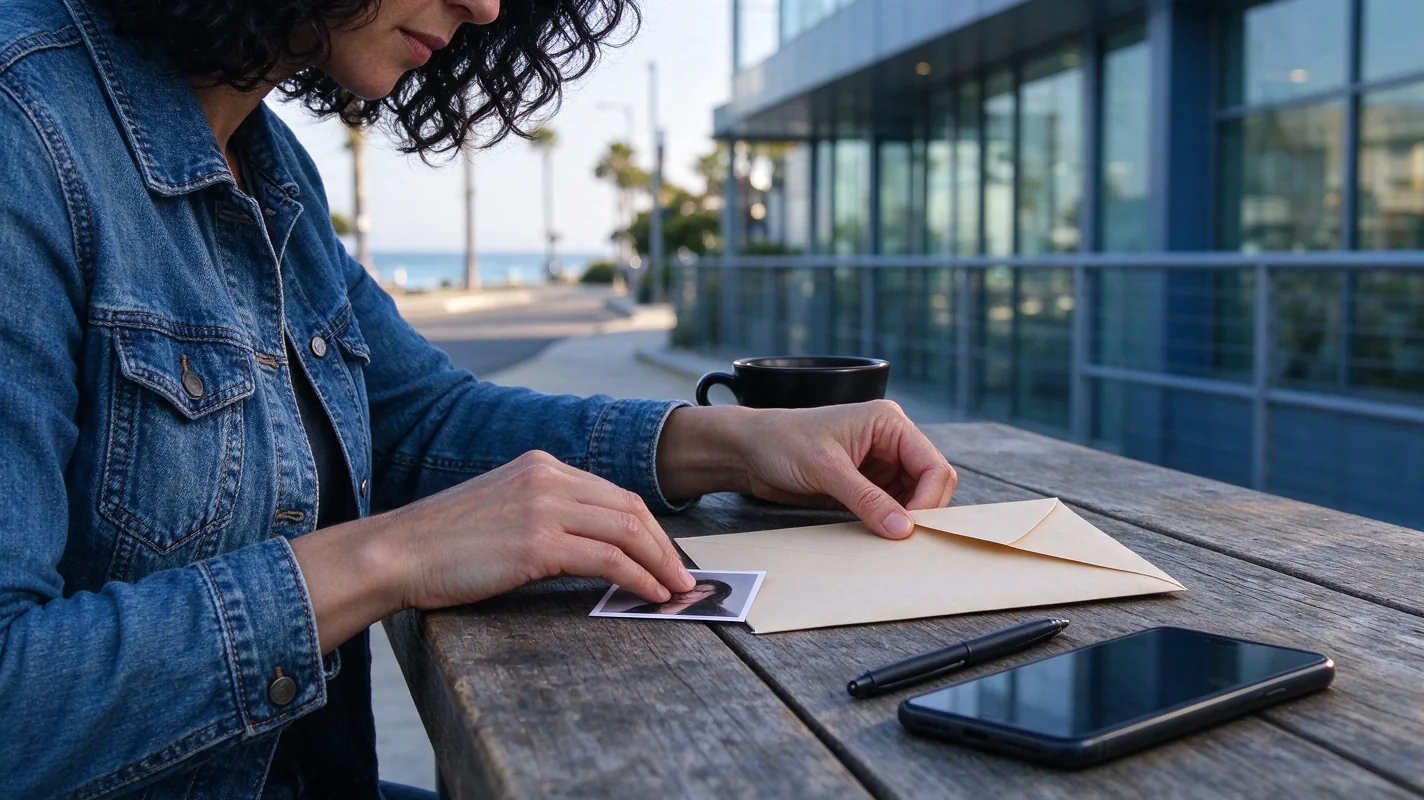
Consent is paramount when using the Plug Walk AI Filter. If you are uploading a photo of another person, they must be a consenting adult. This means they must be of legal age and have explicitly agreed to have their image used for the purpose of generating an AI video with this tool. This consent should be informed, meaning the individual understands what the Plug Walk AI Filter does and how their image will be used. For pet photos, the requirement is simpler: the pet must be your own. Uploading photos of pets that do not belong to you, or without the owner's permission, is not permitted. The tool is designed for personal, creative use, not for impersonation or unauthorized representation of individuals or their pets.
Avoiding Deceptive Impersonation
The Plug Walk AI Filter generates a unique AI-driven scene based on your input and prompts. It does not perform exact motion copying from reference videos. The output is a creative interpretation, not a digital clone. Therefore, it's important to manage expectations regarding likeness. While the AI aims for a recognizable representation, it never guarantees exact likeness, timing, or specific motion replication. This inherent variability is part of the AI generation process. Crucially, the tool should not be used to create content that deceptively impersonates another individual. The generated output, even if it bears a resemblance, is a distinct AI creation. Misrepresenting the output as an unaltered recording of a real person or pet, or using it to create a false impression of someone's actions or appearance, would be a misuse of the technology and ethically problematic.
Data Usage and Sharing
Your uploaded photos and descriptive text are used to generate the AI video. The platform states that inputs are private by default. This means that your original uploaded files and the generated video are not publicly visible unless you choose to share them. The service allows for opt-in sharing of results, and even then, sharing is subject to editorial selection by the platform. This implies that not all shared content will necessarily be featured. The generated videos themselves are private by default, meaning only you, as the logged-in user, can access them. If you decide to share your creation, you are granting permission for it to be potentially displayed by the platform, but this is an active choice you make. The platform does not automatically make your generated content public.
The Generation Process and Your Data
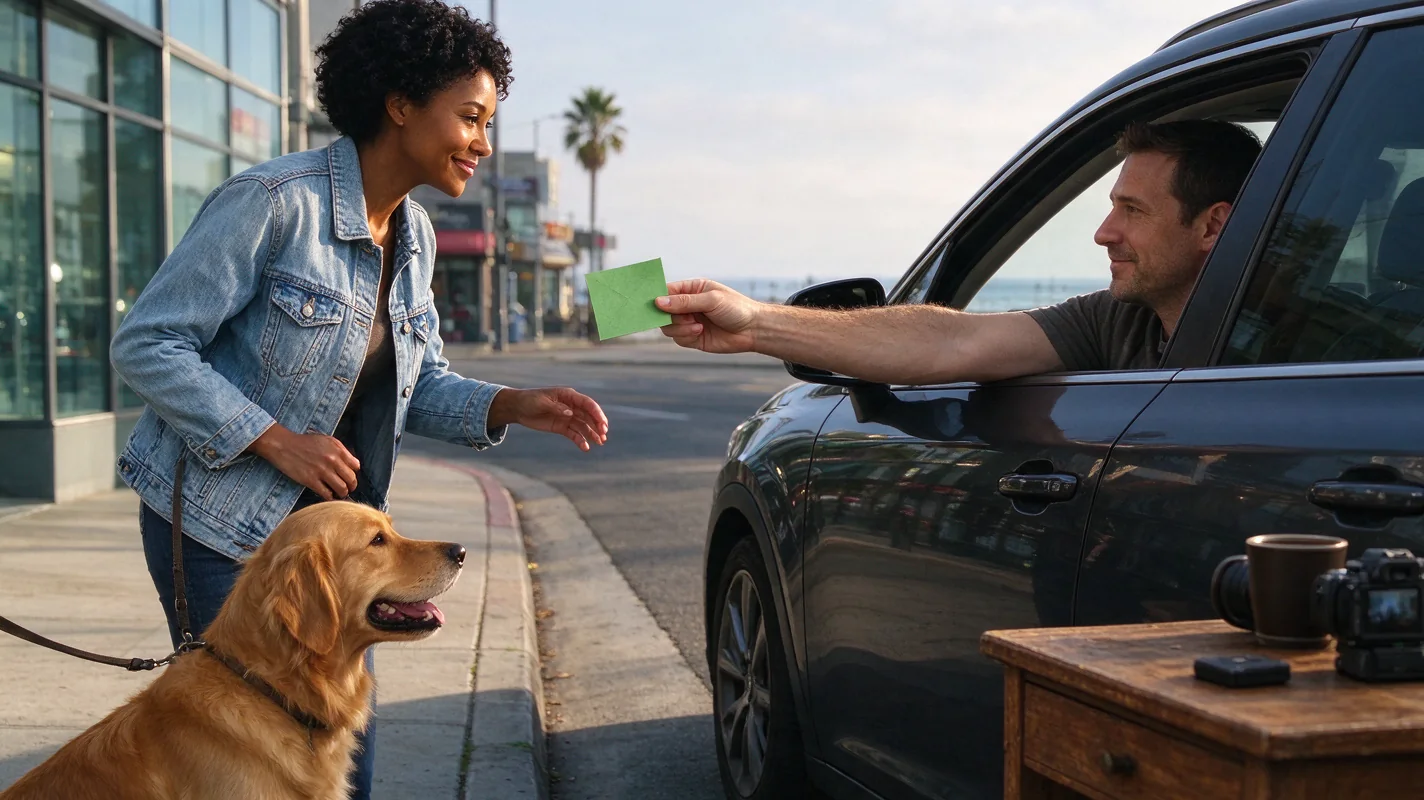
It's important to distinguish between the payment prompt and the actual generation process. The 15-second payment prompt countdown is a preliminary step before generation commences, not a part of the AI video creation itself. Once payment is confirmed and generation is initiated, the AI processes your input. The system uses a Standard Seedance 2.0 model, generating a default 12-second, 9:16 aspect ratio, 720p MP4 video. This video is created using a newly generated prompt-driven car-window scene, featuring a stationary car at sunset from the driver's-window POV, with specific actions like a dollar tip, grin, step back, and a loose bent-knee side-to-side walk. An original instrumental beat is generated for the audio. The AI generates results for face, hands, motion, and audio, but these are variable and not guaranteed to be exact matches to your input or desired outcome. Failed tasks result in credits being returned to your account, not cash refunds. Credits have different expiration policies: one-time credits never expire, while monthly or yearly credits expire at the end of their respective billing periods. Cancellation of a subscription only stops future renewals.
Practical Checklist for Uploading
Before you upload your photo or text, consider the following:
| Category | Action Required/Consideration | Status (Yes/No/N/A) | Notes |
|---|---|---|---|
| Input Source | Is the photo of yourself, your pet, or a consenting adult? | Ensure you have explicit consent if it's another adult. | |
| Consent | Have you obtained explicit, informed consent if applicable? | Consent must be for the use of the image with this specific AI tool. | |
| Image Type | Is the photo a JPG, PNG, or WebP file? | File size must be <= 10MB. | |
| Subject Matter | Does the input avoid deceptive impersonation or misrepresentation? | The AI output is an interpretation, not an exact replication. | |
| Privacy | Are you comfortable with the input being processed by the service? | Inputs are private by default but processed by AI systems. | |
| Sharing Intent | Do you intend to share the output publicly? | Sharing is opt-in and subject to editorial selection. | |
| No Third-Party | Is the image of someone else's pet or unauthorized person? | This is strictly prohibited. |
Comparison: Plug Walk AI Filter vs. General AI Image Tools
While many AI tools focus on generating static images or editing existing ones, the Plug Walk AI Filter specializes in creating short, dynamic video clips based on specific prompts and user inputs. Unlike tools that might offer extensive editing suites or require complex software, Plug Walk AI Filter aims for a streamlined, prompt-driven video generation experience. The key differentiator lies in its specific output format (a car-window scene walk) and its focus on motion and audio synthesis within that context. When comparing privacy, most AI tools operate similarly: inputs are necessary for processing, and privacy policies dictate how that data is handled. The Plug Walk AI Filter's emphasis on personal photos (yourself or your pet) and explicit consent for others, alongside its default private output, aligns with responsible AI usage principles. However, the lack of extensive detail on data retention or security certifications means users should exercise caution and understand that they are using a service that processes their visual data for creative output.
Frequently Asked Questions
Q1: Can I upload a photo of my friend without telling them to create a Plug Walk AI video?
A1: No, you absolutely cannot. The Plug Walk AI Filter requires explicit, informed consent from any adult whose photo you upload. Using someone's image without their permission is a violation of privacy and the tool's terms of service.
Q2: What happens to my photo after the AI video is generated?
A2: The platform states that inputs are private by default and processed by the service providers for generation. Specific data retention policies beyond the generation process are not detailed, but the output video is private by default unless you opt to share it.
Q3: Can I use the Plug Walk AI Filter to make a video of a celebrity?
A3: No. The tool is intended for personal use with your own photos or those of consenting adults and your pets. Using images of celebrities without their consent would violate privacy, ethical guidelines, and likely copyright, and is not permitted.
Q4: Is the generated video watermarked?
A4: No, the Plug Walk AI Filter does not place a watermark on paid output. A purchase is required before generation can begin, and the resulting video will be free of watermarks. Watermark previews are not offered.
Get Started with Plug Walk AI Filter
Ready to create your unique AI-generated video? Ensure you have a suitable photo or a clear description, understand the privacy and consent guidelines, and have your credits ready. Explore the creative possibilities and generate your video today.
Try the tool from this guide
One photo or text idea. The default 720p, 12-second video costs 30 purchased credits. Failed tasks return credits.
Make your Plug Walk AI video
The car-window scene is already prepared. Add only the details that matter to you.
This video: 30 credits · 720p · 12 seconds
Choose one photo or enter at least 10 characters, then confirm permission to continue.
Paid generation only. See the exact credits before you start.
Plug Walk AI Filter
Plug Walk AI Filter editorial team · Editorial guidance based on the current product settings.