The Plug Walk AI filter on this site requests an original instrumental beat. It does not include Rich The Kid’s commercial recording of “Plug Walk.” If that is the sound you want for your post, check the music library available to your publishing account and add an eligible track there. The generated MP4 and permission to use a particular song are separate things.
This guide explains how to choose the sound before you spend credits, review the audio after generation, and avoid turning a simple car-window joke into an unnecessarily complicated edit. The default video is a 12-second, vertical 720p MP4 made with standard Seedance 2.0. Your exact cost appears in the embedded tool below.
Start with the joke, then choose the music
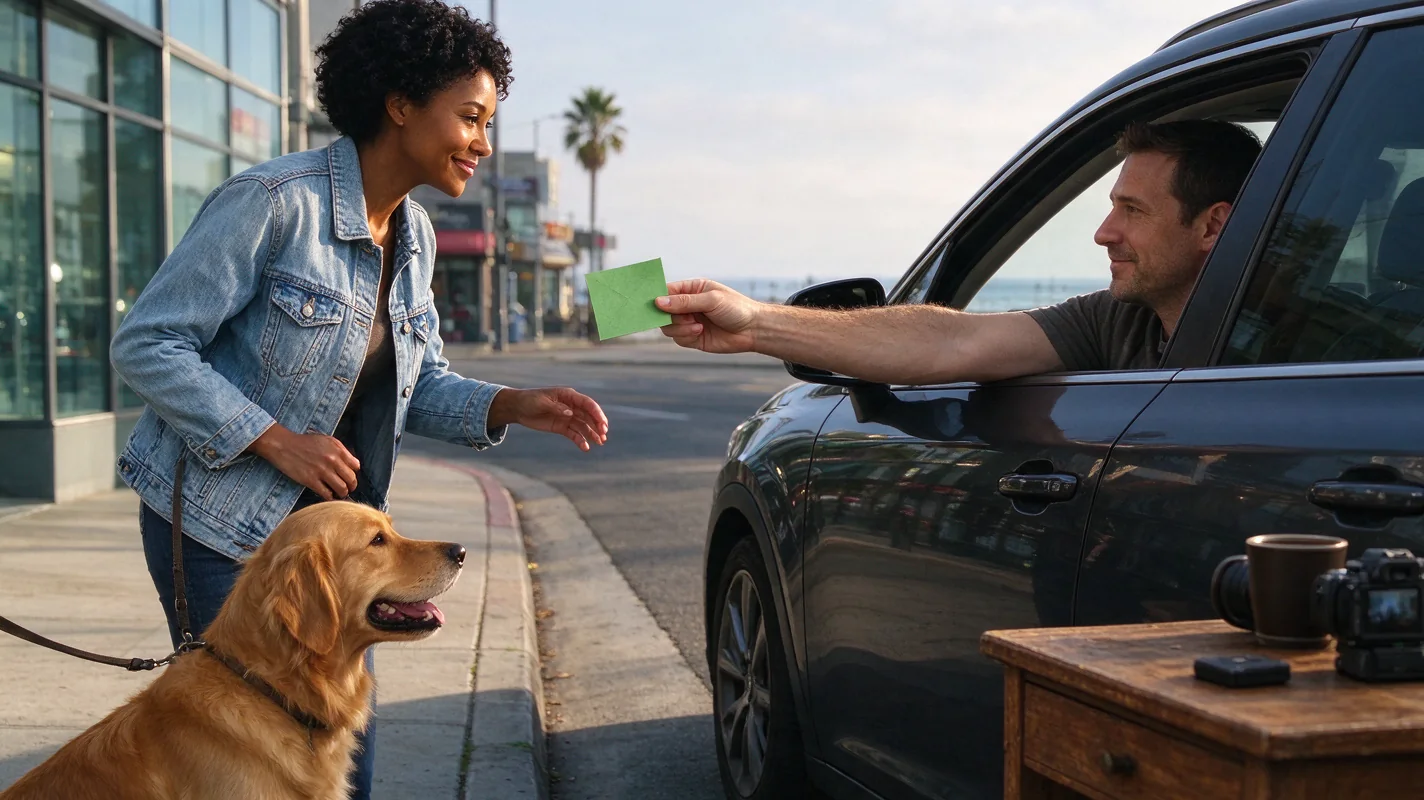
The scene has three useful beats: a friendly dollar offered through a parked car window, a surprised grin, and a step backwards into the dance. Sound should help the viewer follow that small story. A long musical introduction can hide the punchline, while a busy vocal may compete with the facial reaction.
Decide which moment matters most to you. For a quiet friend suddenly dancing with confidence, the contrast between the grin and the first step may carry the joke. For a pet, the unusual upright movement may be the focus. Neither idea requires a particular commercial recording to be understandable.
A useful preparation exercise is to describe the clip without naming a song: “A relaxed instrumental starts softly at the hand-off and becomes more energetic when the subject steps back.” That communicates a creative direction. It does not promise exact musical synchronization, because the model interprets the prompt and may vary the timing.
What the generator asks for
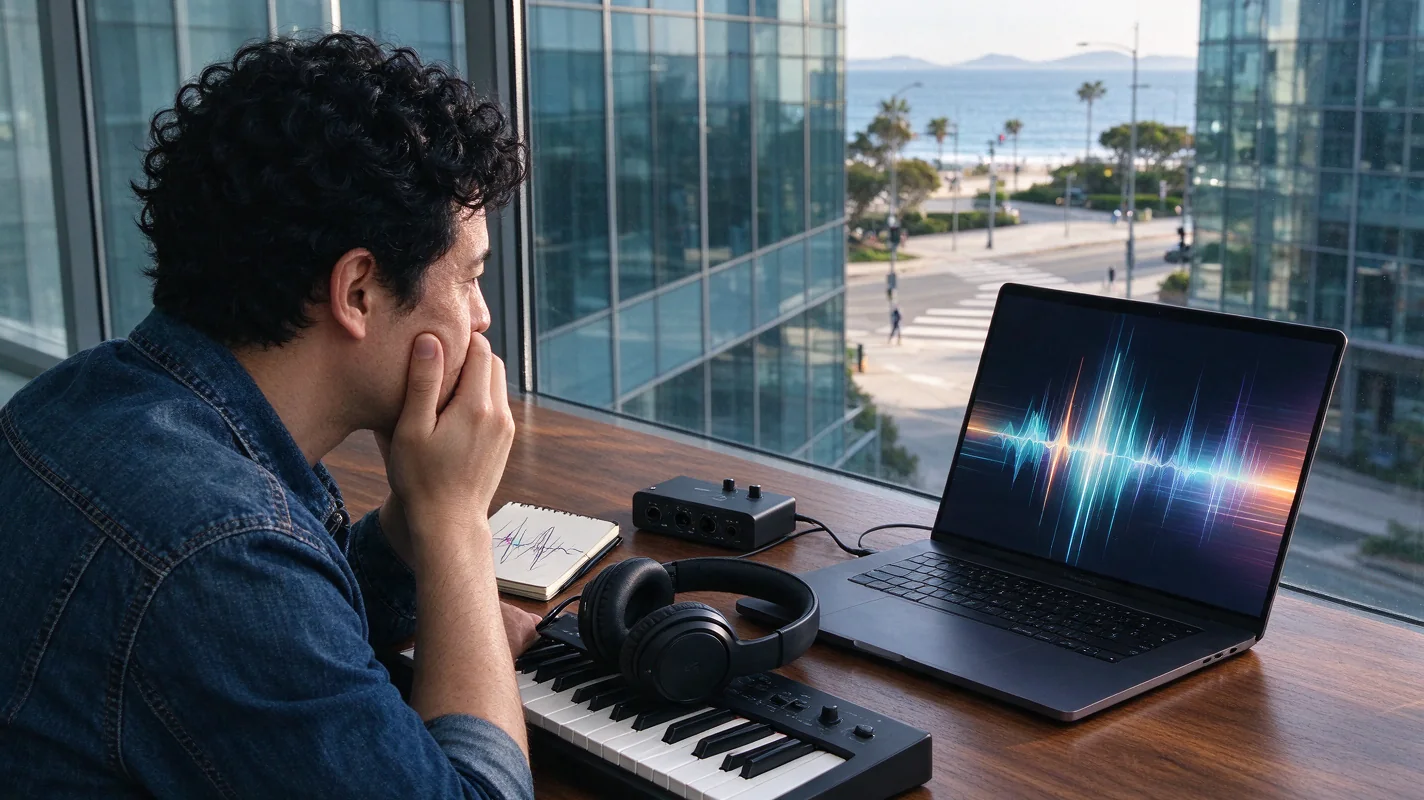
Our prepared prompt asks for original instrumental audio alongside the scene. This means a newly generated accompaniment is requested, rather than a supplied commercial soundtrack being attached to a finished clip. The model can produce unexpected audio details, so listen to the whole result before posting.
Do not assume that every finished video will have the same tempo, identical beat placement, or the precise sound you imagined. The prompt is a direction, not a timeline editor. You also cannot upload a custom audio file into this tool. If exact editing to a particular recording is essential, plan to finish the sound in an editor or the publishing platform.
Text-to-video and photo-to-video share this limitation. A clearer photo helps the model understand the subject, but it does not establish music rights or guarantee rhythm. Use the photo checklist to improve the visual input, then handle sound as its own review step.
Three sound choices to compare
| Choice | Useful when | Check before posting |
|---|---|---|
| Keep the requested model audio | You want a simple, self-contained clip | Listen for unwanted voices, abrupt cuts, distortion or a distracting ending |
| Add an eligible platform-library track | You want a recognizable sound available to your account | Confirm that the track is allowed for the post, account and intended use |
| Use audio you control | You have an original recording or a suitable licence | Confirm the recording and permissions cover the places you will publish |
There is no universal best choice. The model audio can be enough for a private group-chat joke. A platform track may suit a personal trend post. A promotional video needs a more deliberate check of the sound’s permitted use.
When you replace the audio, avoid accidentally keeping two competing tracks at full volume. Listen through headphones and then through a phone speaker. A mix that feels balanced on headphones may make the bass overwhelm the reaction on a small speaker.
Personal posts and promotional posts differ
TikTok recommends its Commercial Music Library for content promoting a brand, product or service; its ordinary music licences do not cover that commercial use. Check its commercial music guidance before choosing audio for a promotional post.
Instagram describes its licensed music library as intended for personal, non-commercial use and notes that availability can differ by account and region. Its music-library help page explains those restrictions and points to Sound Collection.
These are platform-specific starting points, not a blanket clearance for your project. Seeing a song in another creator’s post does not establish what your own account may do with it. Likewise, downloading a clip from one platform is not a reliable way to decide whether its soundtrack may be reused elsewhere.
If the post is for a client, write down where it will appear and whether it will be promoted as an advertisement. Resolve those choices before attaching the final sound. This guide is a practical publishing workflow, not a legal assessment of a particular recording or licence.
Worked example: a fictional payday clip
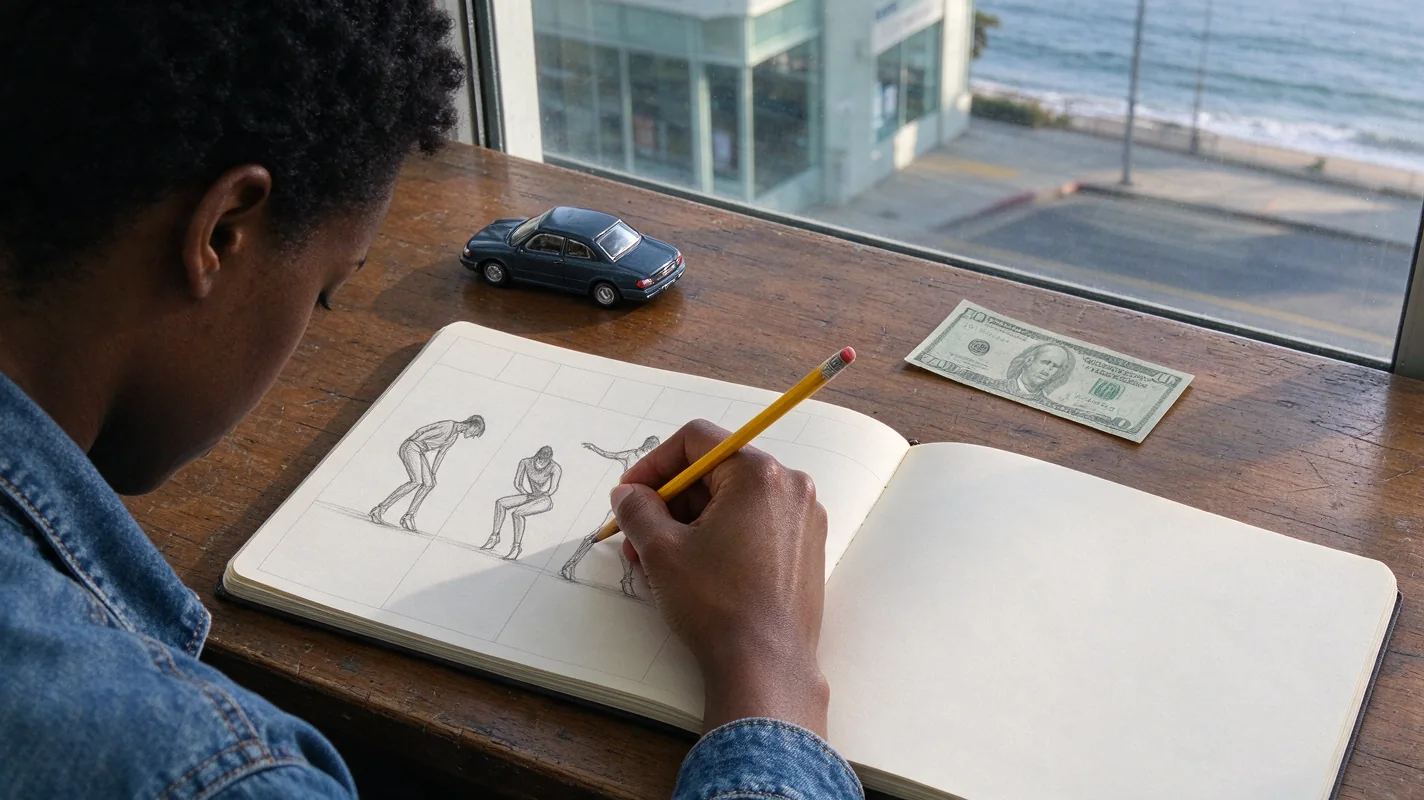
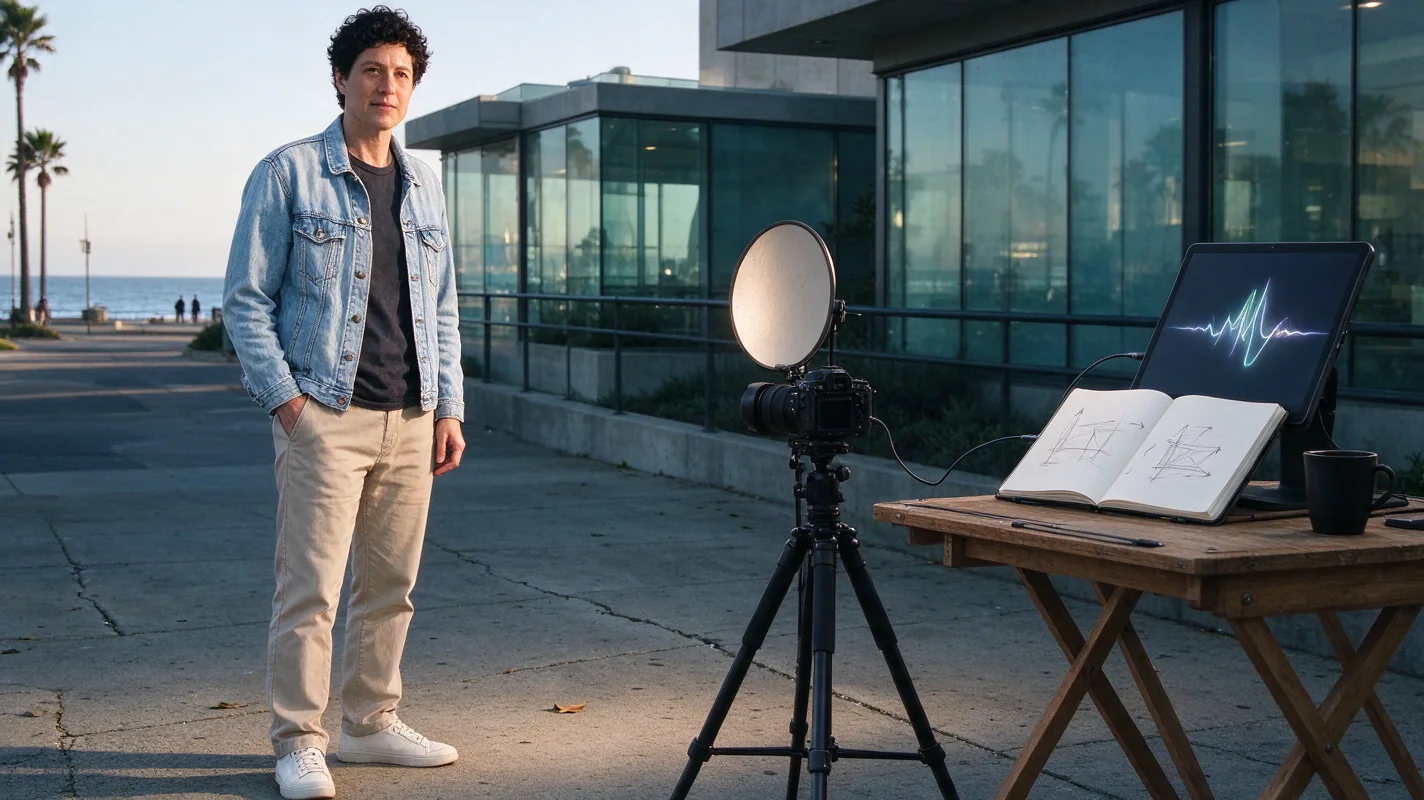
Imagine an adult creator named Alex using their own full-body photo in a denim jacket. This is an illustrative planning example, not a customer result. Alex wants the finished joke to read as “me when the payment finally arrives.”
Before generation, Alex chooses a relaxed original character direction and leaves the prepared car-window sequence in place. They check the 30-credit default cost and confirm permission. They do not ask the model to imitate a named singer or reproduce a recording.
When the video finishes, Alex watches it once without sound to check that the dollar, grin and walk-back make sense. Next, they listen to the model’s accompaniment. If the rhythm supports the scene, they can keep it. If they prefer a platform sound, they check the account’s available library and replace the audio in that platform.
Alex previews the complete post before publishing, including its caption and AI disclosure. If the musical entrance misses the first dance step, they adjust the sound placement in the editor instead of paying to regenerate an otherwise useful video. That keeps the correction focused on the actual problem.
Review the finished file in two passes
First, review the visuals without judging the music. Make sure the person or pet is recognizable enough for your purpose, the hands are plausible, the dollar does not unexpectedly multiply, and the feet remain in view. A strong soundtrack cannot fix a confusing visual hand-off.
Second, review the audio from beginning to end. Listen for a harsh opening, unexpected speech, sudden silence, a clipped ending, or a beat that distracts from the reaction. Pause at the transition from the close-up grin to the wider dance and decide whether the sound supports it.
If the result has a visual issue, the face and hand troubleshooting guide can help you identify a specific input change. Avoid repeated paid retries without a clear diagnosis. A completed output you dislike is different from a task that reaches a failed status.
A short publishing checklist
- Confirm that the photo and depicted person were used with permission.
- Watch the complete clip, including the first and final frames.
- Listen to the final mix after any soundtrack replacement.
- Check the sound’s availability and permitted use for your account.
- Review the destination platform’s AI-content disclosure options.
- Keep the generated source file separate from the final edited post.
- Recheck audio permissions when changing the destination or commercial use.
The last point is easy to overlook. A clip created for a private message may later become a public brand post. That change deserves a fresh sound choice rather than an assumption that the earlier decision covers everything.
Frequently asked questions
Does the Plug Walk AI filter include the original song?
No. The tool requests an original instrumental accompaniment. It does not supply the commercial “Plug Walk” recording or a licence to that recording.
Can I upload my own music here?
The current generator accepts a photo or text direction, not an audio upload. Add audio you are permitted to use in an editor or publishing platform after downloading the video.
Can I fix the music without generating another video?
Often the practical next step is to adjust or replace the soundtrack in an editor. Review whether the visuals already work before spending credits on another generation. This site does not include a separate audio-editing workspace.
Does a failed generation refund my payment?
A failed task returns the consumed credits to their original source under its existing expiry rules. That is different from a cash refund. Payment refund requests go through support and the published refund policy.
Will a recognizable song make my post go viral?
There is no guaranteed audience result. A clear scene, a readable reaction, a suitable caption and an appropriate sound can make the post easier to understand, but they do not promise views, engagement or sales.
Make the scene first
Choose a photo or describe an original character, then check the specification and credit cost. Treat the output as your own new interpretation of the car-window dance, review it carefully, and select the final sound for the place you plan to share it.
Try the tool from this guide
One photo or text idea. The default 720p, 12-second video costs 30 purchased credits. Failed tasks return credits.
Make your Plug Walk AI video
The car-window scene is already prepared. Add only the details that matter to you.
This video: 30 credits · 720p · 12 seconds
Choose one photo or enter at least 10 characters, then confirm permission to continue.
Paid generation only. See the exact credits before you start.
Plug Walk AI Filter
Plug Walk AI Filter editorial team · Editorial guidance based on the current product settings.